Table of Contents
- Introduction
- Quick Answer: CPM vs RPM
- What Is YouTube CPM?
- What Is YouTube RPM?
- CPM vs RPM Formula
- Side-by-Side Comparison
- Example: $10 CPM Does NOT Mean You Earn $10 Per 1,000 Views
- Why RPM Is Usually More Useful for Creators
- What Factors Affect CPM?
- What Factors Affect RPM?
- Does Country Affect CPM and RPM?
- Does Niche Affect CPM?
- Does Video Length Affect CPM?
- How to Calculate Your Own RPM
- Frequently Asked Questions
- A Worked Example: From Advertiser Price to Creator Pay
- Which Metric Should You Track?
- Common Misconceptions About CPM and RPM
- Conclusion
CPM and RPM are two letters apart and worlds different in meaning. Here's what each measures, how to calculate them, and why RPM is the one that matters for your income.
Introduction
Within your first few months on YouTube, you'll hear two acronyms tossed around as if they mean the same thing: CPM and RPM. They don't. CPM is what advertisers pay; RPM is what you keep. Mixing them up is how creators convince themselves they're earning twice what they are — and how others undersell themselves in sponsorship negotiations. This guide lays out the difference plainly, shows you the math, and tells you which number deserves your attention.
Quick Answer: CPM vs RPM
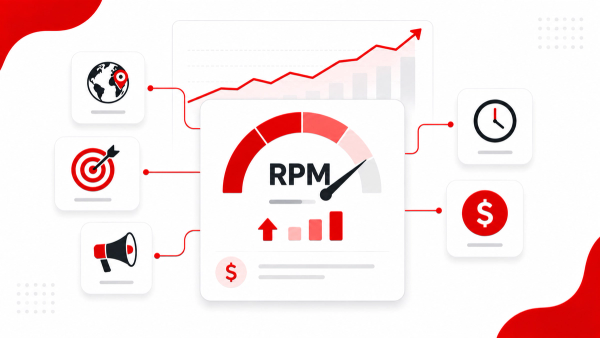
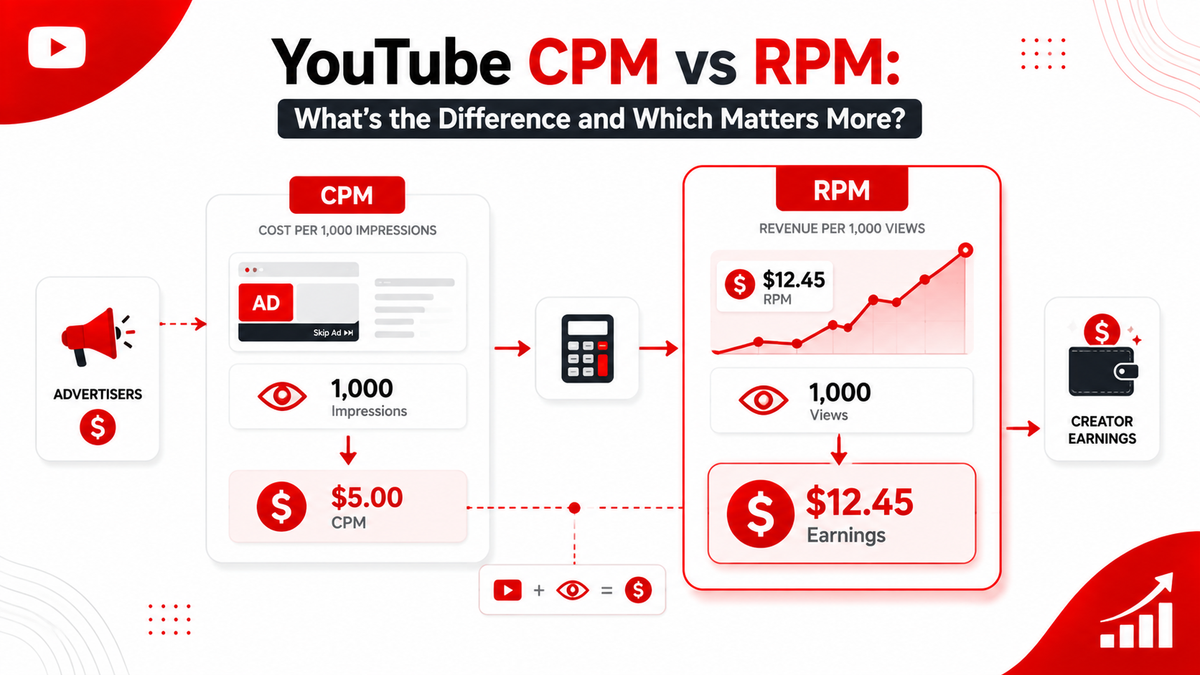
CPM (cost per mille) is the price an advertiser pays YouTube for 1,000 ad impressions. RPM (revenue per mille) is what you actually earn for every 1,000 views, after YouTube's revenue share and deductions. CPM describes advertiser demand; RPM describes your income. For every practical creator decision — pricing a sponsor, forecasting earnings, comparing channels — RPM is the number that matters.
What Is YouTube CPM?
CPM stands for cost per mille, where "mille" means one thousand. It's an advertising pricing model: the advertiser agrees to pay a set amount for every 1,000 times their ad is shown. On YouTube, that payment goes to YouTube, not directly to you. Think of CPM as the wholesale price of ad space in front of your audience. A CPM of $20 means an advertiser pays YouTube $20 for every 1,000 impressions of their ad. It tells you how valuable your audience is to advertisers — higher CPMs mean brands are willing to pay more to reach people like your viewers.
What Is YouTube RPM?
RPM stands for revenue per mille, and it's the metric creators actually live on. It's the average amount you earn for every 1,000 views on your channel, computed from real earnings. It reflects what's left after YouTube takes its share and after you account for all the views that never served an ad. The critical distinction: RPM is calculated from views, not impressions, and it's calculated from what you're paid, not what the advertiser spends. That's why your RPM is always lower than your CPM, and why comparing the two directly is comparing apples to the money an apple makes.
CPM vs RPM Formula
Both metrics share a per-mille structure but use different numerators.
- CPM = Advertiser cost ÷ (Impressions ÷ 1,000)
- RPM = Estimated earnings ÷ (Views ÷ 1,000)
The flipped versions are the ones you'll use for planning:
- Advertiser cost = CPM × (Impressions ÷ 1,000)
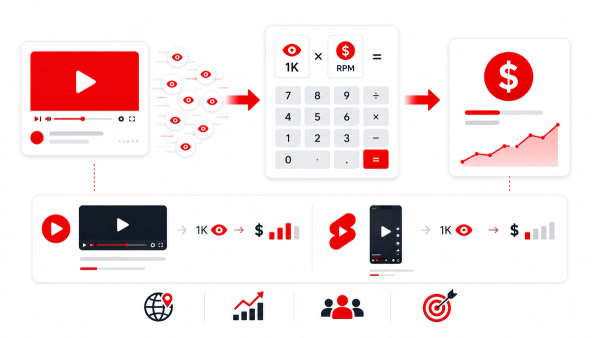
- Your earnings = RPM × (Views ÷ 1,000)
The formulas look alike, but the inputs are fundamentally different — impressions on the CPM side, views and actual earnings on the RPM side.
Side-by-Side Comparison
- Cost per mille: Revenue per mille
- What advertisers pay YouTube: What you keep per 1,000 views
- Based on ad impressions: Based on views
- Before YouTube's share: After YouTube's share
- A measure of advertiser demand: A measure of your income
- Shown in AdSense/analytics reports: Shown in YouTube Studio Revenue
- Usually higher: Usually much lower
If you memorize one row, make it the second: CPM is what the advertiser pays; RPM is what you keep.
Example: $10 CPM Does NOT Mean You Earn $10 Per 1,000 Views
This is the most common misconception, so let's kill it with a worked example. Suppose an advertiser pays a $10 CPM for impressions on your video. It's tempting to conclude you'll earn $10 per 1,000 views. You won't — here's the chain:
- The advertiser pays $10 per 1,000 impressions.
- Not every view produces an impression. Perhaps only 60% of your views serve an ad, so 1,000 views produce about 600 impressions.
- Those 600 impressions are worth $6 of advertiser spend.
- YouTube keeps roughly 45% as its revenue share, leaving $3.30.
- Your RPM — the actual number that hits your balance — is around $3.30.
A $10 CPM became a ~$3.30 RPM. Nothing was stolen; this is simply how the structure works. The gap between the two is the platform share plus the views that never served an ad. Whenever someone quotes a big CPM as "what they earn," this gap is what they're glossing over.
Why RPM Is Usually More Useful for Creators
CPM tells you about your audience's value to advertisers. Useful, but indirect. RPM tells you what your channel actually earns, which is the number behind every real decision you'll make:
- Forecasting next month's income from expected views
- Deciding whether to invest in gear, editing, or an editor
- Pricing sponsorships and brand deals relative to your ad baseline
- Comparing your channel's health against your own history
CPM has one clear use: understanding advertiser demand in your niche, which is a nice context signal. But for money decisions, RPM wins every time.
What Factors Affect CPM?
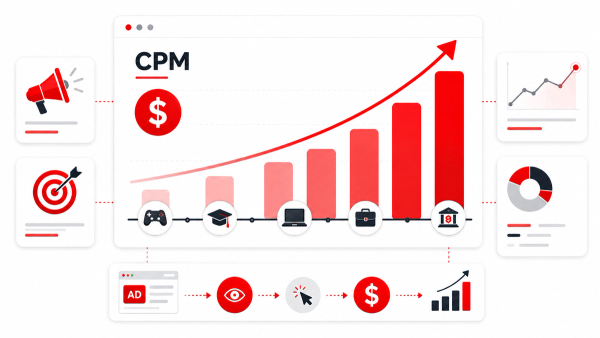
CPM is set by the advertising market, so anything that changes advertiser demand changes it:
- Niche — finance and software advertisers pay far more than entertainment
- Audience country — US, UK, Canada, Australia command premium rates
- Audience demographics — age, income, and purchase intent
- Season — demand spikes in Q4 and softens early in the year
- Ad format — some formats (like non-skippable) are priced higher
- Competition — how many advertisers are chasing the same audience
What Factors Affect RPM?
RPM inherits everything that affects CPM, then adds your channel's own behavior on top:
- Your CPM — higher advertiser demand flows into higher RPM
- Ad fill rate — how many views actually serve an ad
- Ad load — how many ad slots you enable
- YouTube's revenue share — roughly 45% of long-form ad revenue
- Watch time and retention — more time watched means more impressions
- View source — some traffic sources monetize differently than others
This is why two channels with identical CPMs can have different RPMs — the gap is on your side of the equation.
Does Country Affect CPM and RPM?
Yes, and it's one of the biggest drivers of both. Advertisers pay wildly different rates per market. A viewer in the US or UK is frequently worth several times more per impression than a viewer in India or Brazil. Since RPM is built from the same advertiser spend, country moves RPM almost as directly. This is why creators building for income pay close attention to where their viewers come from — and why the same video can earn five times more for one channel than for an identical one with different traffic.
Does Niche Affect CPM?
Strongly. Advertisers pay more to reach audiences with money to spend. Personal finance, business, software, and marketing content command some of the highest CPMs on the platform, while gaming, entertainment, and general vlogging sit far lower. The niche you choose sets a ceiling on your CPM — and therefore on your RPM — before you publish a single video.
Does Video Length Affect CPM?
Not directly — CPM is priced per impression, not per minute of video. But length affects how many impressions each viewer generates. Videos over 8 minutes can carry mid-roll ads, so a viewer who watches a 12-minute video may produce several paid impressions instead of one. That doesn't change your CPM; it changes how many billable impressions you create, which raises your RPM.
How to Calculate Your Own RPM
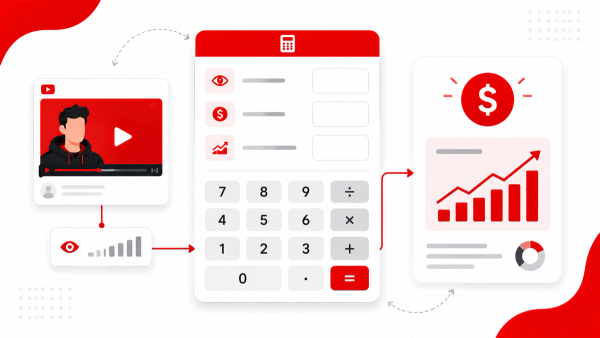
The only truly accurate way is to read it from YouTube Studio → Analytics → Revenue, where YouTube reports your real RPM. To model scenarios, use the formula: RPM = Estimated earnings ÷ (Views ÷ 1,000) If you'd rather not punch the numbers by hand, the Thumbix RPM Calculator and CPM Calculator do it instantly. You can also run full earnings projections through the YouTube Money Calculator and the Ad Revenue Calculator. All of these use the same formulas covered here, so whatever figure you get stays honest.
A Worked Example: From Advertiser Price to Creator Pay
To see how the two numbers connect, follow a single video through the funnel. A 12-minute finance tutorial pulls 200,000 views. Advertisers bid an average of $12 per 1,000 impressions (CPM). YouTube fills ads on roughly half of those views across the video's placement slots, and after YouTube's ~45% revenue share, the channel keeps roughly $7.20 per 1,000 views. That's an RPM of about $7.20. Now run the two formulas side by side: At CPM: 200,000 views ÷ 1,000 × $12 = $2,400 of advertiser spend. At RPM: 200,000 views ÷ 1,000 × $7.20 = $1,440 of creator earnings. Neither number is wrong. One describes the ad market; the other describes your paycheck. If this creator looked at CPM and expected $2,400, they'd be overstating their income by about $960 — the gap between an advertiser metric and a creator metric. That's exactly why comparing yourself to someone else's "great CPM" can mislead you until you know their RPM.
Which Metric Should You Track?
The honest answer is both, but for different jobs:
- Track RPM when you're planning income, pricing sponsorships, or comparing your own videos. It's the number that pays you.
- Track CPM when you want to understand how valuable your audience is to advertisers, or when you're weighing whether a niche change could raise your rates.
- Track fill rate when your RPM feels low not because your audience is cheap, but because ads simply aren't being served on enough views.
One more practical note: RPM moves slowly and seasonally. Don't judge a single video harshly — look at 90-day trends, compare like-for-like content, and let the numbers talk over time.
Common Misconceptions About CPM and RPM
A few myths keep circulating, and each one costs creators clarity:
- "CPM is what YouTube pays me." No — CPM is what advertisers pay for impressions. Your share comes after YouTube's cut and the fill rate.
- "A higher CPM means a bigger paycheck." Only if views and retention hold up. A finance video's high CPM is worthless if nobody watches it.
- "RPM and CPM should be close." They never are. RPM is always lower, often by half or more.
- "Shorts CPM tells you anything about Shorts earnings." Shorts don't use a traditional CPM — they monetize through a pooled revenue model, so the standard formula doesn't apply.
Conclusion
CPM is the story advertisers tell; RPM is the story your bank account tells. Keep the difference straight, calculate your own RPM from Studio data, and use it everywhere a number matters — forecasting, pricing, and comparing. The creators who master this distinction stop being confused by earnings reports and start actually planning around them. Ready to see your numbers? Enter your earnings and views in the free Thumbix RPM Calculator, or model full projections with the YouTube Money Calculator — no sign-up required.
Frequently Asked Questions
What is the difference between YouTube CPM and RPM?
CPM is what advertisers pay YouTube per 1,000 ad impressions. RPM is what you earn per 1,000 views after YouTube's revenue share and deductions.
Is RPM the same as CPM?
No. They share a per-mille structure but measure different things: CPM measures advertiser spend on impressions, RPM measures your income from views.
Why is my RPM so much lower than my CPM?
Because YouTube keeps roughly 45% of long-form ad revenue and because not every view serves an ad. The gap between CPM and RPM is normal.
Which metric should I use to estimate my earnings?
Always RPM. It's the number that reflects your actual income per 1,000 views.
How do I calculate my YouTube RPM?
Divide your estimated earnings by views per thousand: RPM = estimated earnings ÷ (views ÷ 1,000). YouTube also shows it in Studio under Analytics → Revenue.
Do Shorts have a CPM and RPM?
Shorts use a pooled revenue model rather than per-video ads, and their RPM is typically far lower — often $0.03 to $0.10 per 1,000 views.
Should I quote CPM or RPM to sponsors?
Ground your pricing in RPM plus engagement data. Quoting CPM alone overstates your per-view value.
What affects CPM the most?
Niche and audience country are the biggest drivers, followed by demographics, season, and ad format.